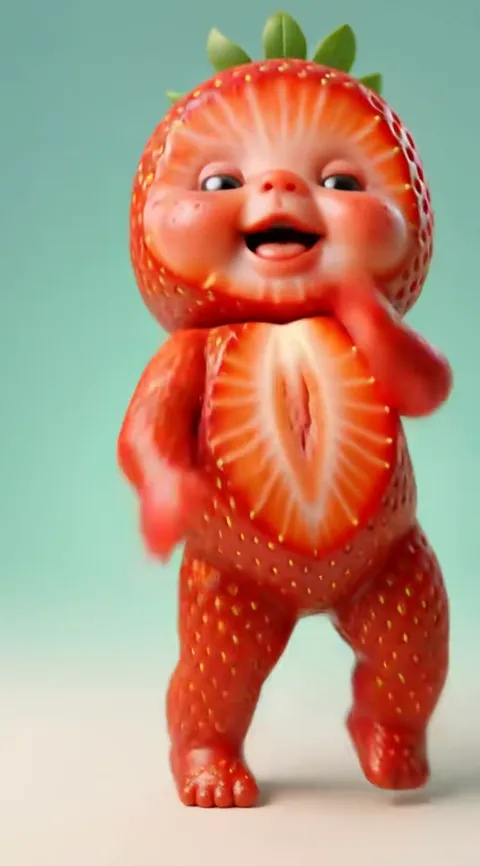
The ai baby dance prompt
A working ai baby dance prompt has to control six things at once: identity, age, outfit, movement, scene and timing. That is more than text can do alone, which is why Baby Dance AI has it already written and tested for each of its 17 dances. Make the video from one photo.
What the prompt has to control
- Identity from the photo. The baby must look like the person in the upload, not like a stock toddler.
- Adult to toddler. When the photo is of an adult, the face has to be aged down while keeping face shape, eye colour, hair and skin tone.
- The outfit. The dance's costume has to replace what the person wears in the photo, so a hoodie does not leak into a strawberry suit.
- The movement. The dance has to be copied from the reference clip, without that clip's face, costume or watermark.
- The scene. The stage, the background and the light must match the dance, such as the glitter curtain of the Original AI Baby Dance.
- The timing. The moves have to land on the beat and finish inside the clip length, which is 10 to 15 seconds depending on the dance.
Why copied prompts fail
Prompts shared in tutorials describe the result, not the process that made it. The usual failures come from what a text prompt is missing.
- No motion clip. Text can say "sways side to side", but it cannot reproduce a specific routine. The dance comes out vague or different.
- Face drift. Without a locked link to the photo, the face slowly turns into a generic baby, and gets worse on spins such as the one in Baby Boo.
- The costume leaking. The outfit in the source clip, or in your photo, bleeds into the render and mixes with the new one.
- Watermarks copied. If the motion reference carries a logo or a username, the model often draws it back in.
- Wrong length. A dance cut off before the final pose, or padded with extra seconds, breaks the loop that makes the clip work.
Each failed try also costs money on a paid video model. For the full comparison, see how to make the video.
Why this is harder than it looks
The six jobs pull against each other. Keeping the face identical wants the model to stay close to the photo, while changing the age and the outfit wants it to move away from the photo. Copying a dance wants it to follow the reference clip closely, while ignoring the reference clip's face wants the opposite. A prompt that fixes one job often breaks another, and the balance differs for every dance: a slow sway is forgiving, while a spin or a lean into the camera shows every weakness. That is why the dances on Baby Dance AI have their own settings instead of one shared recipe. Compare how Tiki Tiki, with its sharp shimmies, differs from the soft sway of the original.
Different photos, different demands
The same prompt has to survive very different uploads. A baby photo needs the least change: the face is already a toddler's, so the work is the outfit and the movement. An adult photo adds the aging step, and the model must keep recognisable features while rounding the face and shrinking the proportions. A pet photo changes the job again, because a dog or cat has to stand and dance in the left-right routine of the Pet Dance template. Two-person dances such as Twin Babies need two identities kept apart. One shared text prompt cannot cover all of these, which is one more reason the wording lives inside each template. Keep the whole subject in the photo and sharp, and leave the rest to the generator.
What is built in here
Every dance in Baby Dance AI ships with a tested motion reference, a prompt written for that dance and fixed settings, so each render follows the same shot list. The motion reference is used for the movement only, not for the face, the costume or any watermark. The video model is Seedance 2.0 / 2.5 by ByteDance. You choose the dance, the format and the quality tier. For the background on the clips, read about the trend or see whether a filter exists.