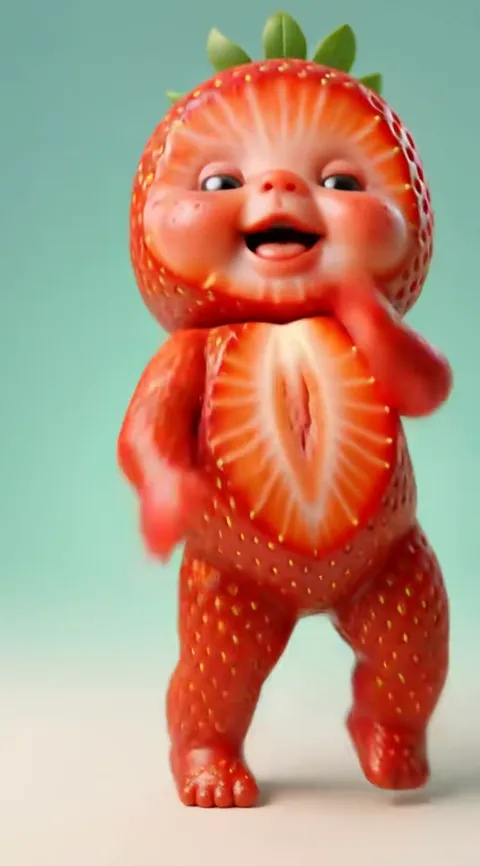
What is the baby AI filter, and what does it do with your photo?
The baby AI filter is the name people give to any effect that shows an adult as a baby, and Baby Dance AI is a version that does it in video: one photo becomes your toddler self, dancing. You upload a picture (18+), choose a dance and get a 10 to 15 second MP4 with sound. Unlike a camera filter, nothing is applied live: the result is a rendered clip.
What people mean
Searches for "baby filter" mean one of three things: a live camera effect that makes a face rounder and younger, an age-regression photo, or the viral clip where an adult appears as a chubby toddler. The third is what Baby Dance AI makes. It does not shrink your face in place; it draws a toddler with your features and puts that toddler in a costume and on a stage.
Filter vs video
| Static face filter | Baby Dance AI | |
|---|---|---|
| Input | A selfie or live camera | One photo |
| Changes | The face only | Whole body, outfit and stage |
| Output | A photo or a live view | A 10 to 15 second MP4 with sound |
| Motion | Yours | A full dance routine |
| Time | Instant | About three to four minutes |
There is no baby filter on TikTok or CapCut that does this from a still photo. For the longer comparison, see the AI baby dance filter page.
What happens to your photo
The tool reads the face, hair colour and skin tone, builds a toddler version, dresses it for the dance you chose and animates it to the original sound. Your uploaded photo is deleted from our side within 24 hours. Only adults upload their own picture; parents may upload their own child. The generator above has the original dance selected, which shows the face most clearly because the camera stays steady and close.
Tips for a good result
- Face the camera, with light on the face and not behind you.
- Remove sunglasses and hats; a visible hairline helps the likeness.
- Skip heavy beauty filters, which smooth the features the AI relies on.
- Full-body photos give better legs and feet; waist-up is fine.
- If the first toddler looks off, try another photo before another dance.
Not sure you want to be a baby? The grown-up option keeps your age and makes you dance, and the baby video page lists other uses. Costs are on the pricing page.
What the filter cannot do
It cannot show your actual childhood face, because it has never seen it. It also cannot guarantee that friends will say "that is exactly you": a toddler drawn from an adult face is an estimate, and details such as freckles, dimples or a gap in the teeth may be missing. If you want a result you can recognise at once, choose a photo where your face is calm and your features are clear. The result is meant for fun and sharing, not for identification. If the first try is off, a second photo of the same face taken in better light is the quickest fix, and credits from a failed or blocked render return automatically.