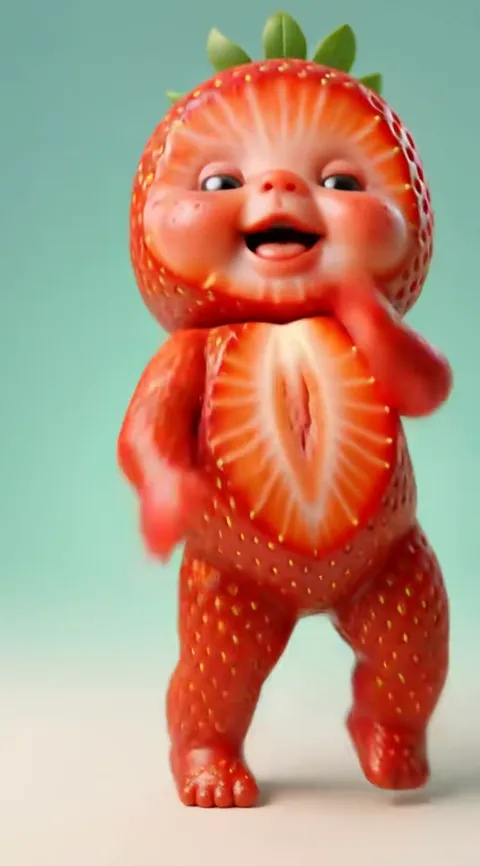
How to make the ai baby dance video
To make the ai baby dance video, upload one clear photo to Baby Dance AI, pick a dance and a quality, and generate. There is no prompt to write and nothing to edit, and the MP4 arrives with the dance's sound. Open the generator.
Four steps from one photo
1. Pick a photo
Use a front-facing, well lit photo of one person. Your baby works, and so does an adult, who appears as their toddler self. Only upload your own child, and you must be 18 or older. Whatever the photo shows is the starting point, and the dance's outfit replaces the clothes.
2. Pick the dance
Choose one of the 17 dances, for example the Original AI Baby Dance, Baby Boo or Toc Toc. Then pick 9:16 for vertical apps, or 1:1 or 16:9.
3. Pick the model and quality
The default is Standard at 720p, which costs 10 credits. Higher tiers run on Seedance 2.0 / 2.5 by ByteDance and cost more credits for sharper video. Standard is enough for most posts.
4. Generate and download
The render takes about three to four minutes. Download the MP4, which already has the dance's sound. Files stay downloadable for a day, so save yours straight away.
Baby Dance AI vs doing it by hand
You can get a similar clip without Baby Dance AI, but the route is long and every failed try costs money. Here is the comparison.
| Baby Dance AI | By hand | |
|---|---|---|
| What you supply | One photo | A clean dance clip, a photo and a long prompt |
| Video model | Chosen for you, with the motion built in | A video model that accepts a motion reference |
| Sound | Added to the MP4 | Found and added separately |
| Time | About 5 minutes | 30 to 60 minutes |
| A failed try | Credits returned automatically | Costs money |
The effect is easy to describe and hard to get right on the first try, because the motion, the face and the outfit have to agree. For the reasons, read why the prompt is built in.
Tips for a better likeness
- Light the face from the front. Shadows across the eyes are the most common reason a likeness drifts.
- Show the full head and shoulders. A cropped forehead or chin gets invented by the model.
- Skip sunglasses, big hats and heavy beauty filters. Dances with a spin or a lean to the camera show every flaw.
- For an adult photo, pick a relaxed expression. A calm expression is easier to carry over than a wide grin or a half-closed eye.
- Use a full-body photo for dances with leg moves, such as Fruit Baby.
Which dance to start with
If this is your first video, start with the Original AI Baby Dance: it is slow and forgiving, so a normal photo works. For a laugh, try an adult photo with Dance as Yourself or turn a pet into a dancer with the Pet Dance. Seasonal dances such as Halloween Baby are best made close to the date, since the trend moves on quickly. Read the trend explained if you want to know which dance is current.
Common mistakes
Three things cause most disappointing renders. The first is a blurry or heavily compressed photo, such as a screenshot of a chat thread: the model has less to work with, and the face drifts. The second is a group photo, because the tool has to guess which person to use. The third is choosing a dance that does not suit the photo. A waist-up photo is fine for That's the Jawn, which is framed from the knees up, but a dance with kicks and a hop, such as Toc Toc, looks cleaner from a full-body shot. If a render fails or is blocked, the credits come back automatically, so you can try a better photo. Credits never expire, and the smallest pack is $6.99 for 10 credits.
Posting it
Upload the MP4 to TikTok, Instagram Reels or YouTube Shorts in 9:16, which each show full screen. The sound is already in the file. If a platform mutes it, which can happen with commercial songs, pick the same sound inside the app instead. Add the platform's AI-generated label when it asks. Post it as a vertical clip, name the dance in the caption so people who search for it can find it, and keep the first second moving, since the dances start straight away. Also see whether a filter does the same job, and how the trend began.