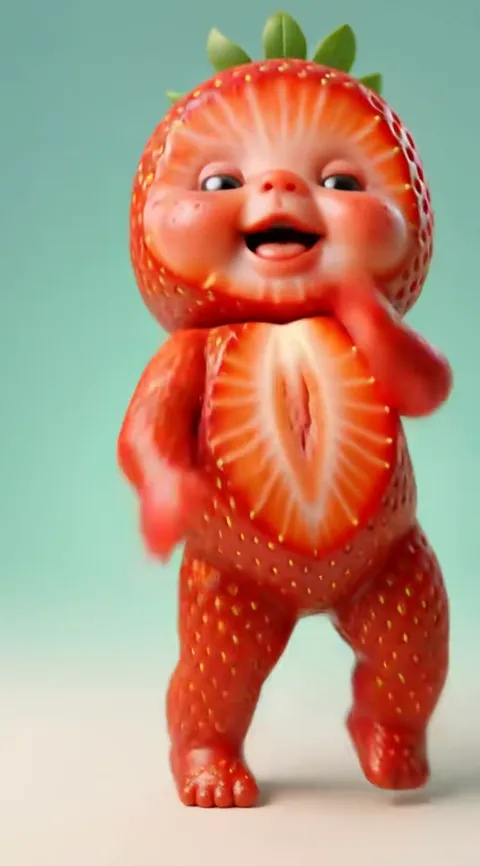
What kinds of baby AI video can you make?
A baby AI video is a short clip in which a baby, real or AI-made from an adult photo, does something on screen, and on Baby Dance AI it always means a dance. It starts from one photo and returns a 10 to 15 second MP4 with sound in about three to four minutes. There are four ways to use it, covered below.
Four kinds of baby video
| You upload | You get | Try |
|---|---|---|
| A photo of your own baby | Your baby doing a viral dance | The original dance |
| A photo of yourself (18+) | You as a toddler, dancing | Toc Toc |
| Two photos | Twin babies, side by side | Twin Babies |
| A photo plus an occasion | A themed toddler, for a birthday or season | I Celebrate Me |
With 17 dances to choose from, the same photo can give a very different mood each time. The generator above has the I Celebrate Me dance selected, and you can switch it.
Yourself as a baby
This is the use people ask about most. The tool takes the adult in your photo and shows them as their own toddler self, then makes that toddler dance. It keeps face shape, eye colour, hair colour and skin tone; it does not know your real childhood photos, so the result is a plausible baby you, not a recovered memory. Use a front-facing photo without a hat or sunglasses. If you want a still image rather than a video, the filter page explains why this is different from a face filter.
Twins and couples
Upload two photos and the Twin Babies template makes both people toddlers in matching sleepsuits who face each other and copy each other's moves. Couples use it for anniversaries, friends for group chats, parents for real twins. Photos can be taken on different days, but similar light makes the pair look more alike.
Celebrate with me as a baby
The I Celebrate Me dance is a toddler on a golden-hour lawn who grins, shrugs, spins and points at the camera like a superstar. It suits birthdays and pep talks: render the birthday person as a toddler and send it. Because the camera moves close, a sharp, happy-faced photo pays off. For the other options, such as a dancing dog, see the pet page.
Who may be in the photo: you, a friend who agrees, or your own child as a parent or guardian. Never other people's children, and nothing nude or bathing. Prices for any of the above start on the pricing page.
Choosing the right one
Start from the person who will watch it. A grandparent often prefers a real baby doing the original dance, because the face is the point. A group chat usually likes the twin version, where two friends turn into toddlers. A birthday works well with I Celebrate Me, and a themed holiday with the Halloween or Santa dances. Whichever you choose, the video is a 10 to 15 second MP4 with sound and no watermark, rendered in about three to four minutes. You can make several from one photo, one dance at a time, and credits never expire between them.